We asked 100+ novelists what frustrates them about their writing tools. These came up again and again:
Your book is in pieces. Manuscript in one app, outline in another, characters in a third.
The software needs a manual. You use a tenth of it. The rest sits there, looking complicated.
Your plot is in a spreadsheet. Far from the scenes it's about, and never quite up to date.
Someone else is holding your book. Big tech can access your work anytime. Who knows what for?
You turned the AI off. Again. It offered to summarize the story you wrote. Nobody asked.
You pay a monthly subscription. And the one feature you need is on the next plan up.
The right tool just didn’t exist.
During my Thailand trip in 2026, I ranted to my best friend Non about a popular writing app. “Why don’t we make our own?” she said. The crazy thing is, she’s a developer, so we could actually do it.
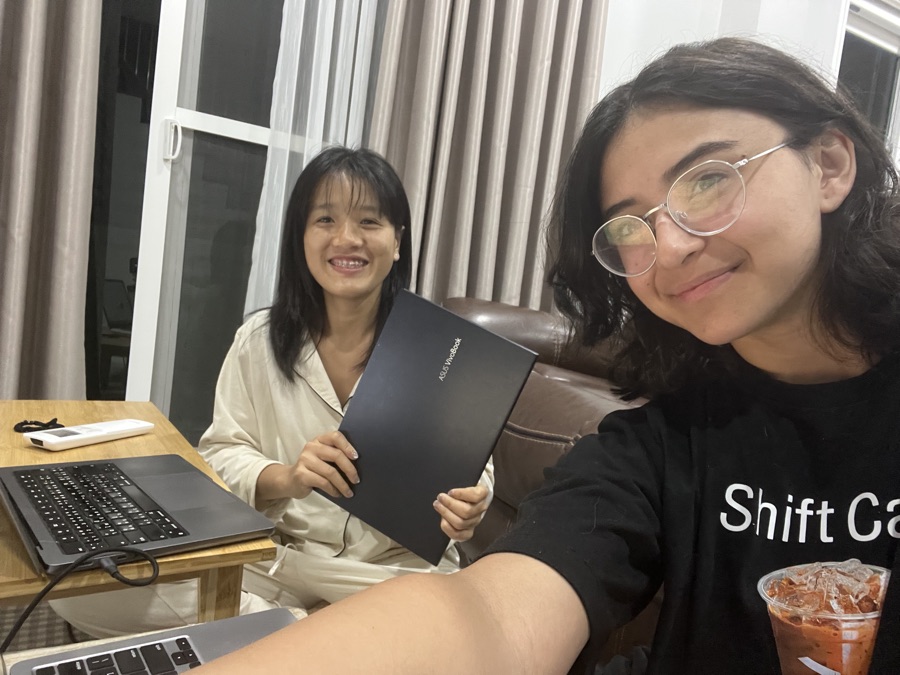
October 10, 2026 · 4:03 a.m. Testing on Windows for the first time
That same night, we got to work.
We had collaborated on other projects in the past, but never anything this big. Mel told me what writers needed, I built it, and we refined the tools side by side, often working until 3:00 or 4:00 in the morning.
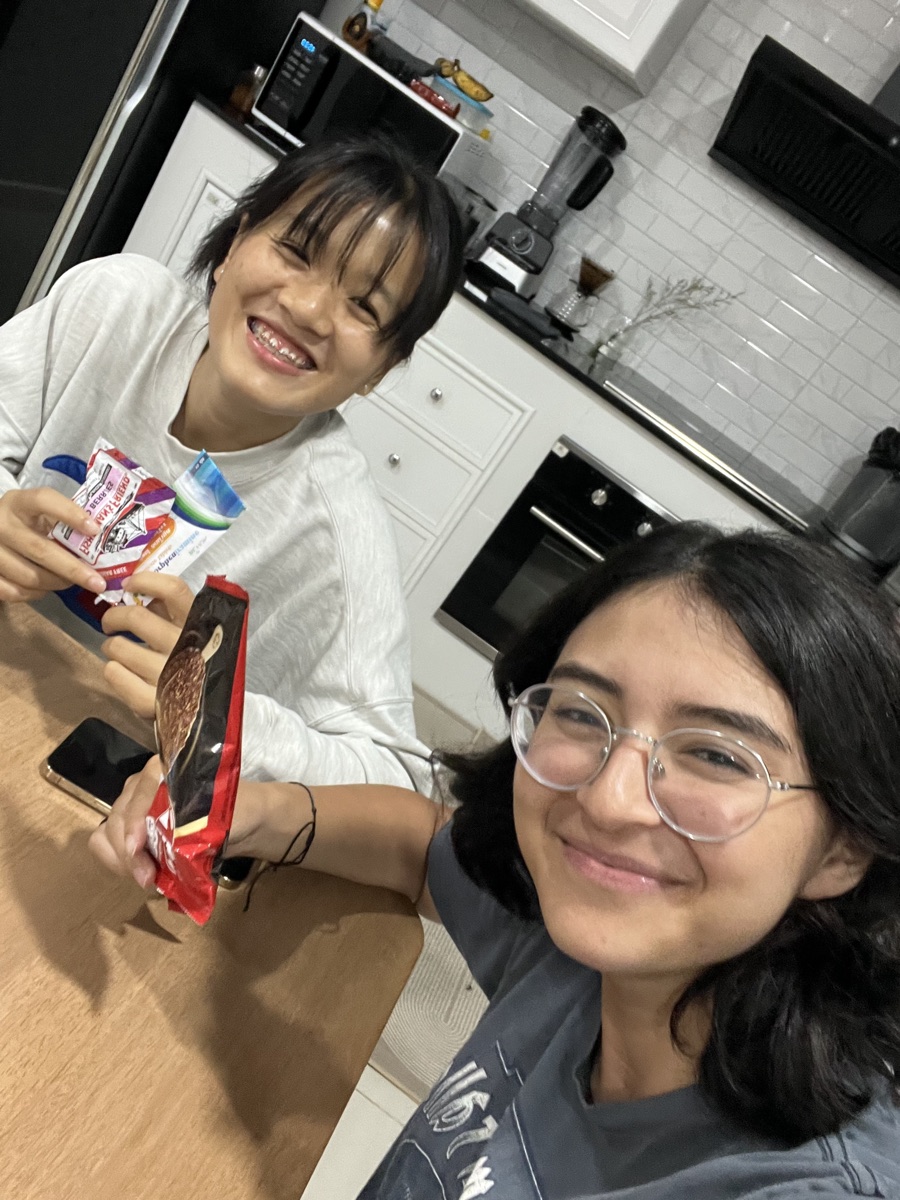
October 11, 2026 · 4:43 a.m. Celebrating our beta launch with 7-Eleven snacks
Before we launched
60 people tested Lost Writer.
They told us what they liked and disliked about our demo version. It was far from perfect back then, yet the results blew us away.
38,000+words of feedback
170+hours of testing
93%converted to Lost Writer
+50 more beta testers
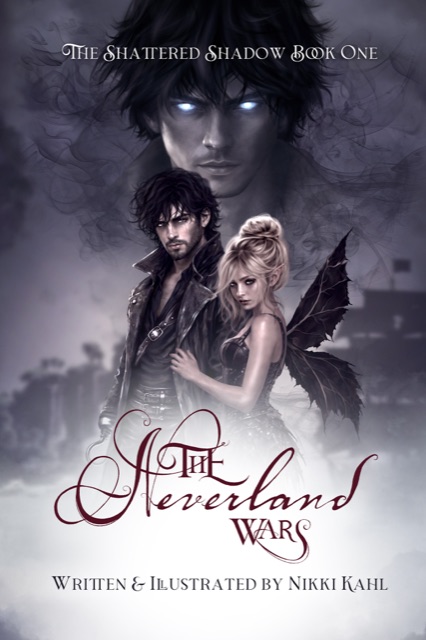
As a novelist, illustrator, and professional technology reviewer with a decade of experience, I’m particular about the software I use. I’ve worked extensively with Scrivener, but after testing Lost Writer, I’ve decided to make the switch permanently.
Nikki Kahlauthor & illustrator of The Neverland Wars
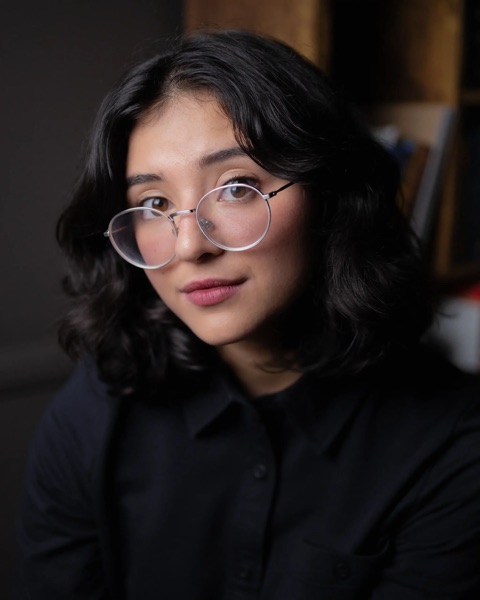
The writers behind Lost Writer
Our beta testers helped us refine this app into what it is today.
Total privacy
Your book stays yours.
Truly offline. Your books are saved on your computer, not on our servers, so Lost Writer works without wifi.
Blind by design. Unlike web-based software, we couldn’t read your work even if we wanted to. It might as well be a notebook on your shelf.
Leave anytime. Export to Word, PDF, EPUB, Markdown, or plain text with a click.
"In a time when it feels as if every company is embracing AI, Lost Writer is a love letter to writers and creatives… a rebellion of human-made creativity, love, and dedication."
Reading & Writing Nook
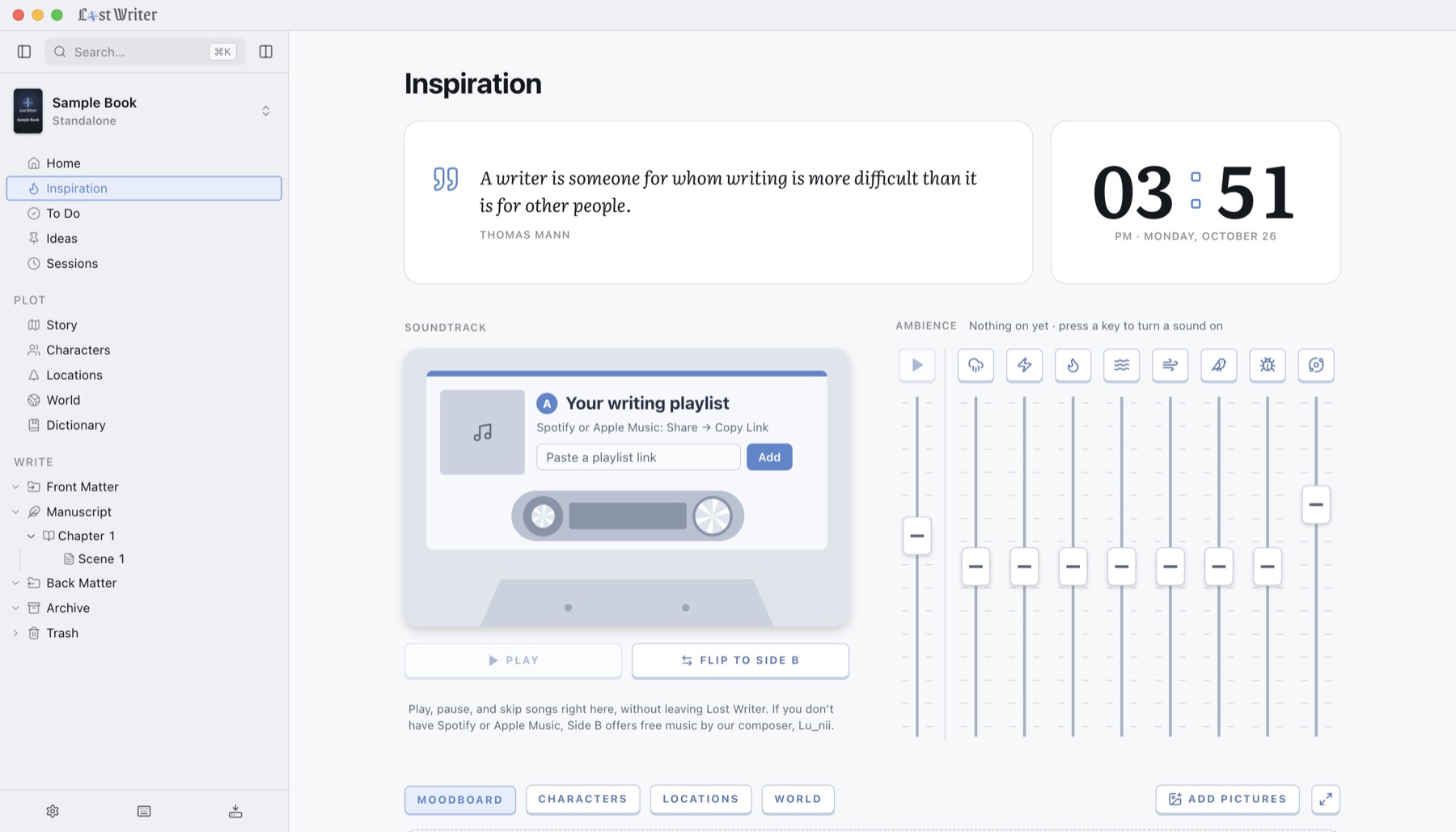
Play our free, original music, then mix in some ambient sounds to match the vibe.
Press a sound to hear it, as many at once as you like. In the app, each has its own fader, and a soundtrack plays on a cassette.
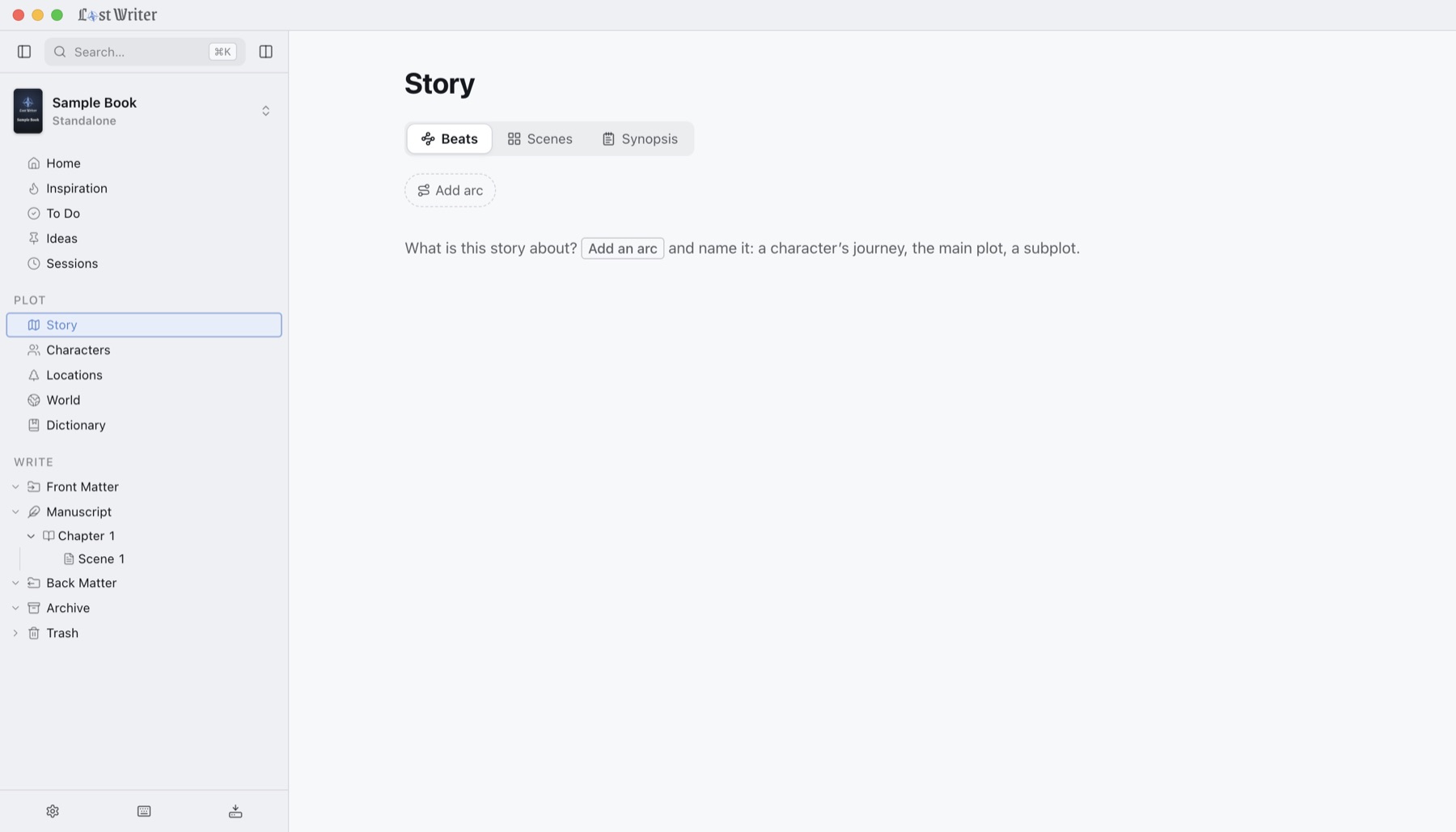
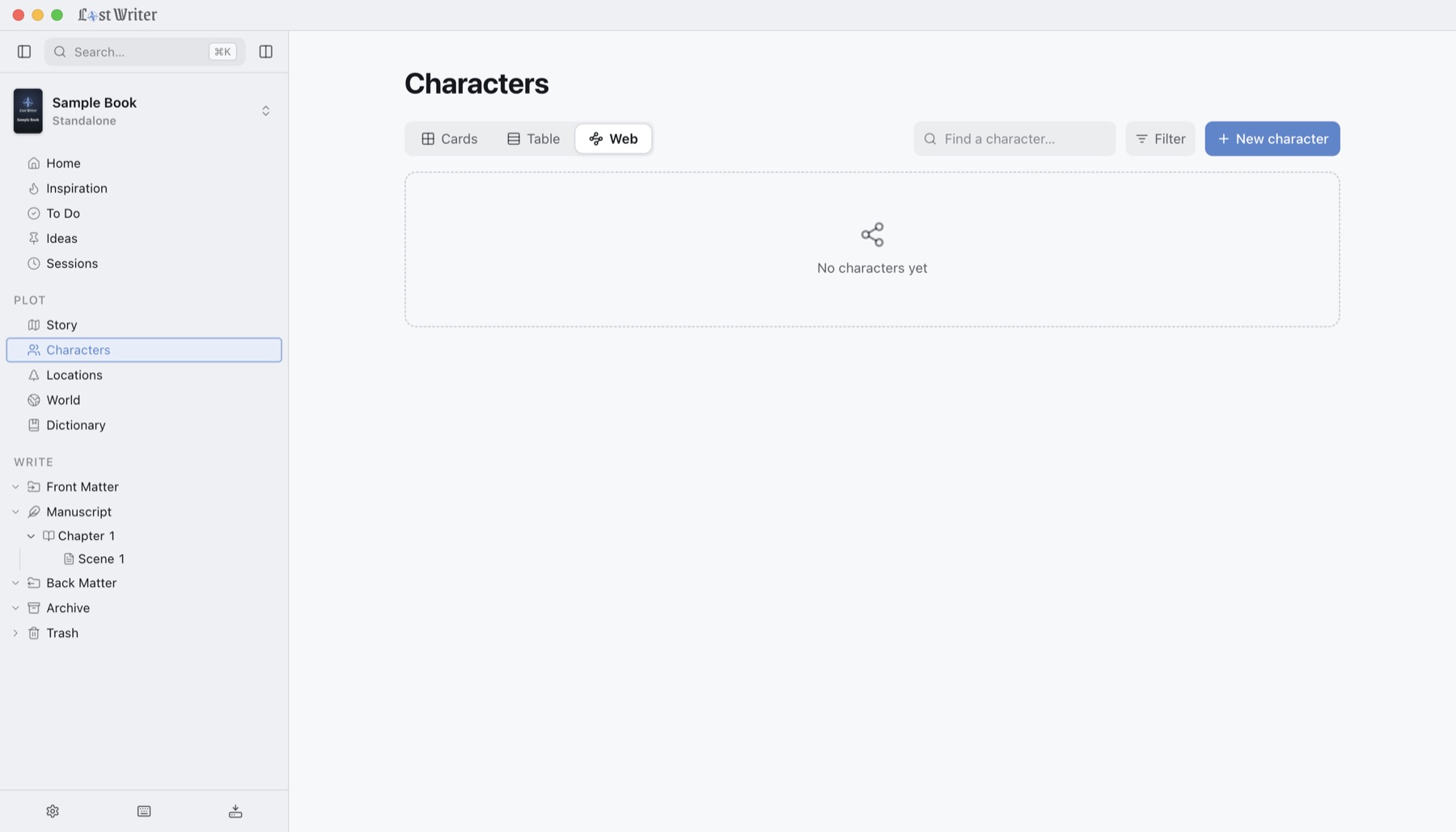
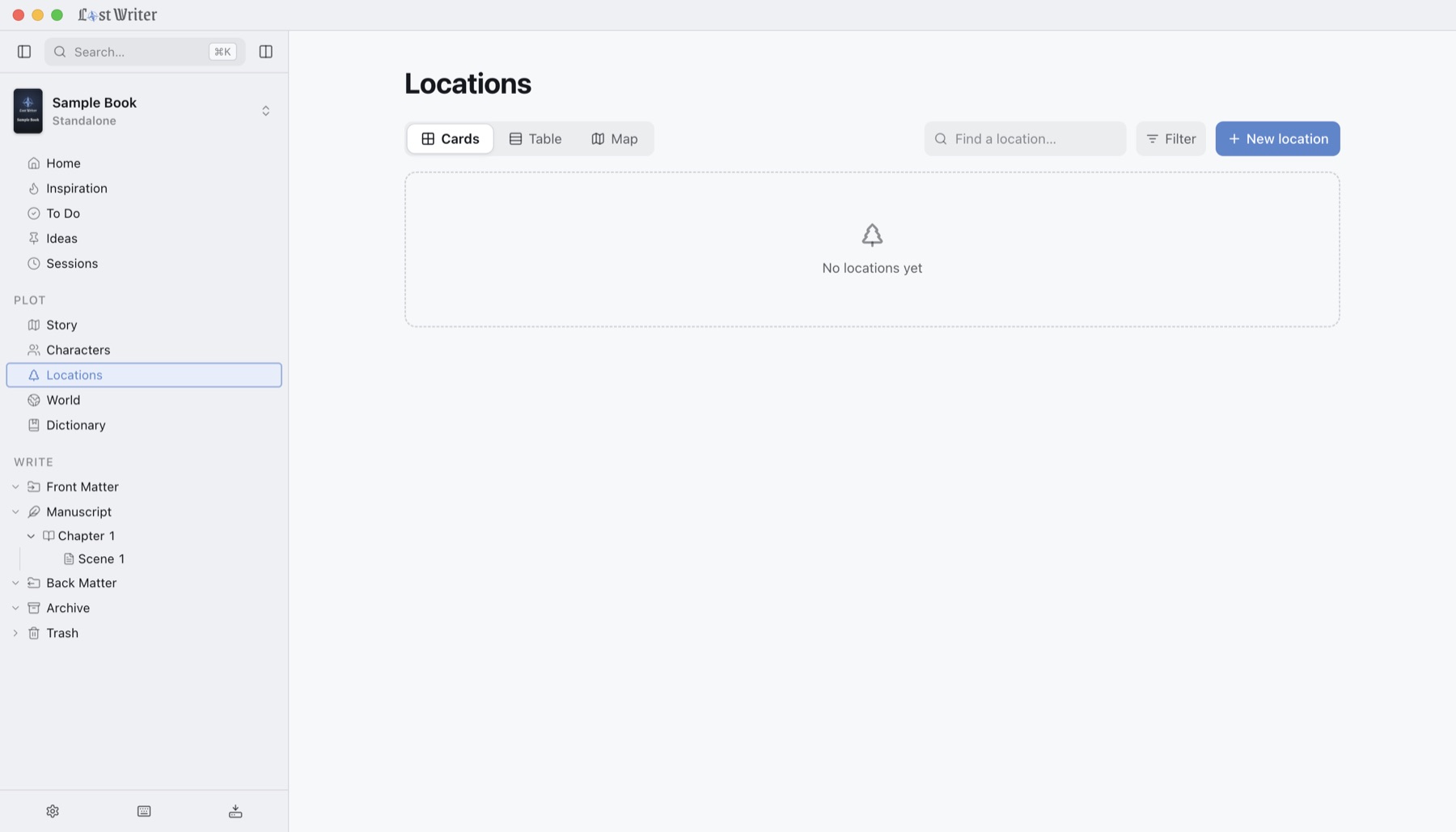
2Story, characters, places, world, and your dictionary
3Your chapters and scenes
4The page, calm and wide
5Each scene's status, beats, cast, and date
Try it right here
Questions
Asked before buying.
Is it a subscription?
No. You pay once and the app is yours, with every update. We have no servers to pay for, so there's nothing to charge you monthly for.
Does it use AI?
No. Lost Writer doesn't write for you, doesn't read what you write, and doesn't train anything on it. There's no AI to switch off, because there was never any to begin with.
What happens when the trial ends?
After 30 days you can still open every book, export it, and back it up. To keep writing in the app, you buy a key. Your work is never held hostage.
Is it hard to learn?
No. A short guided tour shows you around the first time you open it, and a new book can start completely empty. You can write on day one and pick up the rest as you need it.
Can I bring a book I've already started?
Yes. Import a Word file or a text file and Lost Writer splits it into chapters and scenes; you can adjust the split first. From Scrivener, compile your draft to Word, then import that.
Where are my books kept?
On your own computer, inside the app. Turn on automatic backups and point them at a folder (iCloud, Google Drive, and Dropbox work well), and it keeps copies there by itself. Nothing is ever uploaded to us.
Is there a phone app?
Not yet, and we'd rather say so now. Lost Writer is for Mac and Windows computers. To move a book between computers, save a backup on one and restore it on the other.
Will it slow down on a long book?
No. We tested it with a library of 20 books, each 300,000 words long. That six-million-word library opened in about a quarter of a second, typing kept up with us, pages opened in a fraction of a second, and exporting to Word or EPUB took under a second. Even that library took only about 40 MB on disk, so a few hundred megabytes of free space is plenty (pictures and backup copies take more).
Does it format my book for KDP or IngramSpark?
No, on purpose. Lost Writer is for planning and writing. It exports a clean manuscript for your editor, agent, or beta readers, and an EPUB to read on a device. Laying out the finished book is its own step, worth doing properly.



 +50 more beta testers
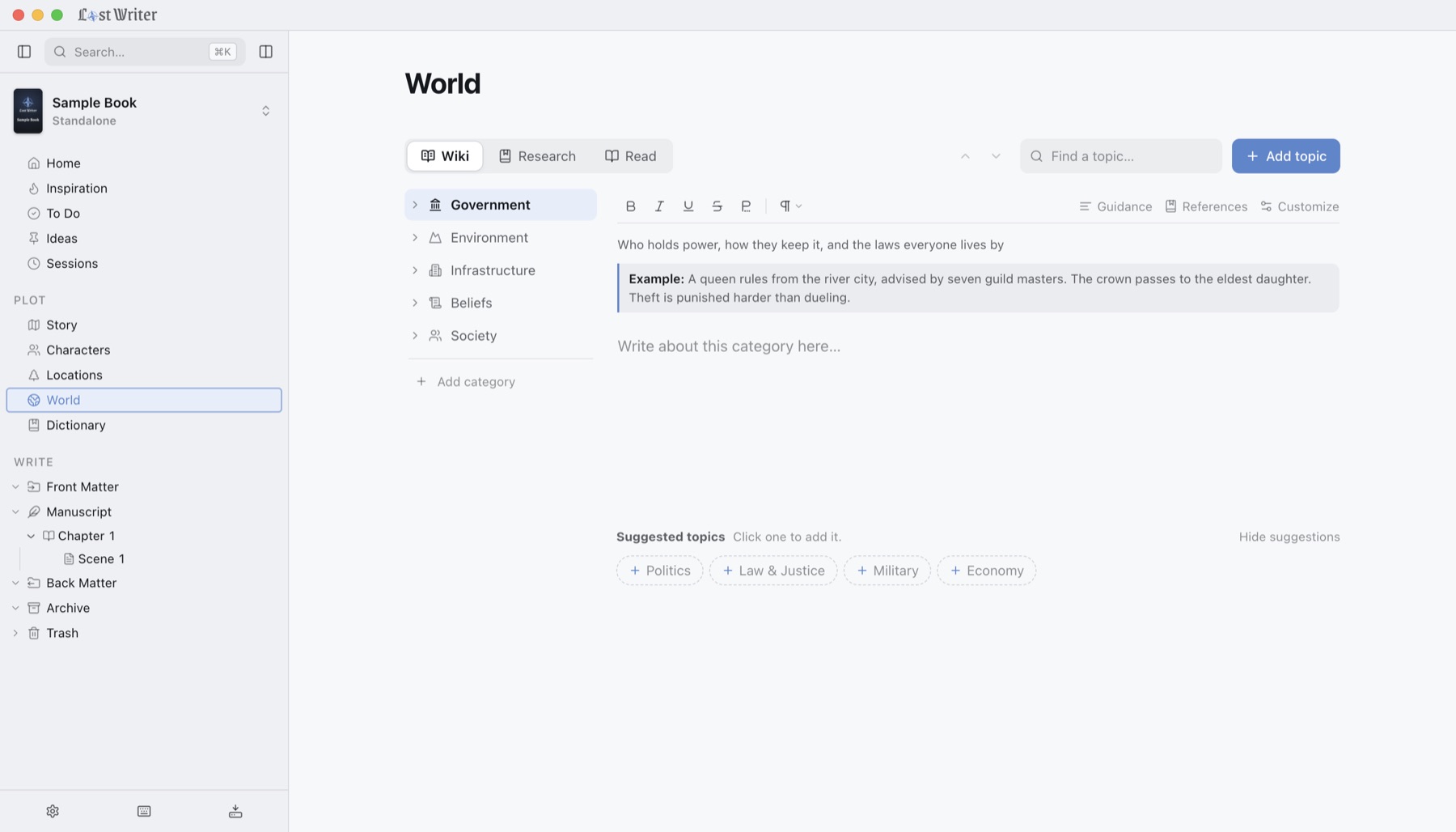
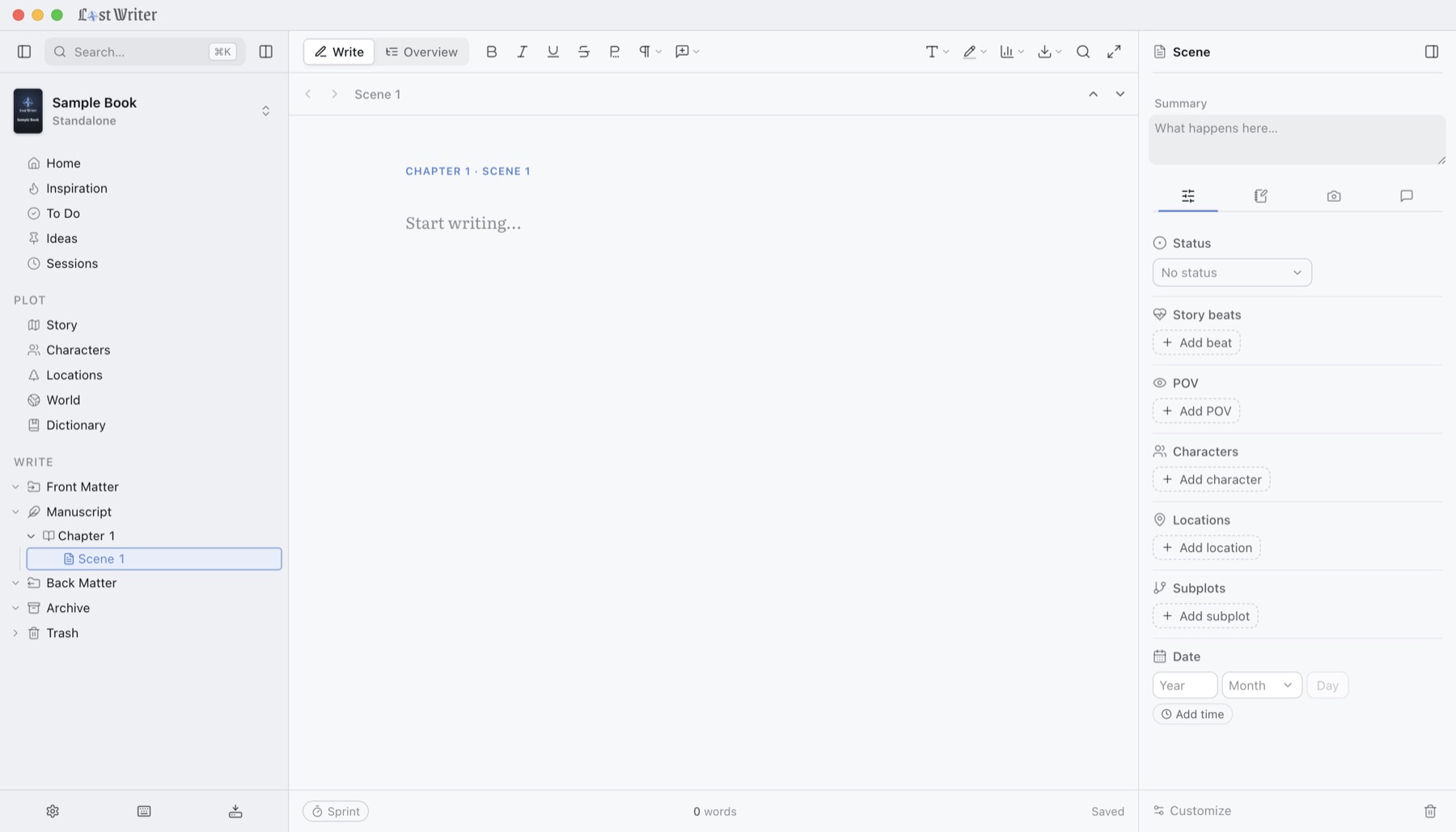 1
2
3
4
5